
Tips and Tricks
Featured













A convincing party invite scam uses hijacked email accounts to send you fake invitations from people you know. Learn how to spot the red flags—and why enabling two-factor authentication on your email is the best defense.
We recommend updating to macOS 26.6 Tahoe, iOS 26.6, and iPadOS 26.6, not just for the many security fixes, but also because they promise to optimize Spotlight performance for the forthcoming version 27 upgrades.
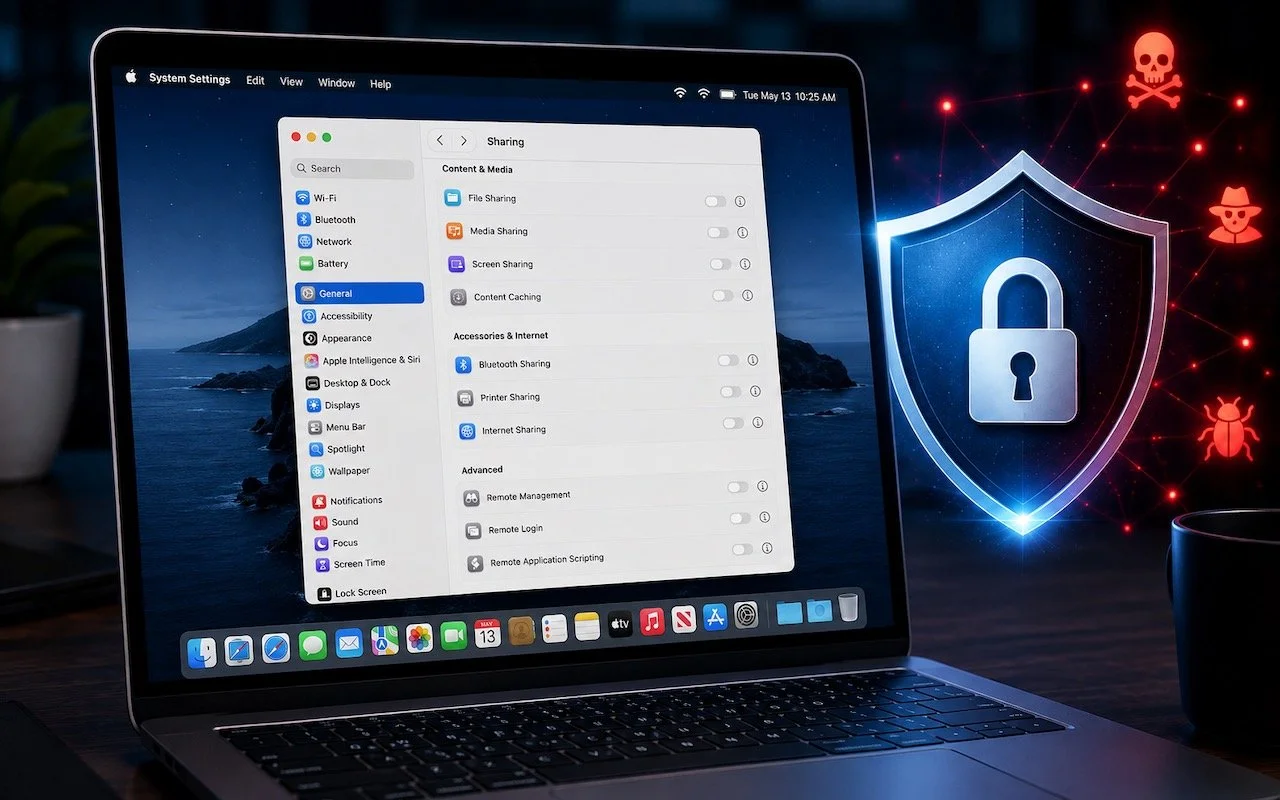
Apple patched a Screen Sharing flaw that let attackers connect without authentication. Update now—and while you’re thinking about it, turn off any sharing services you’re not actively using.
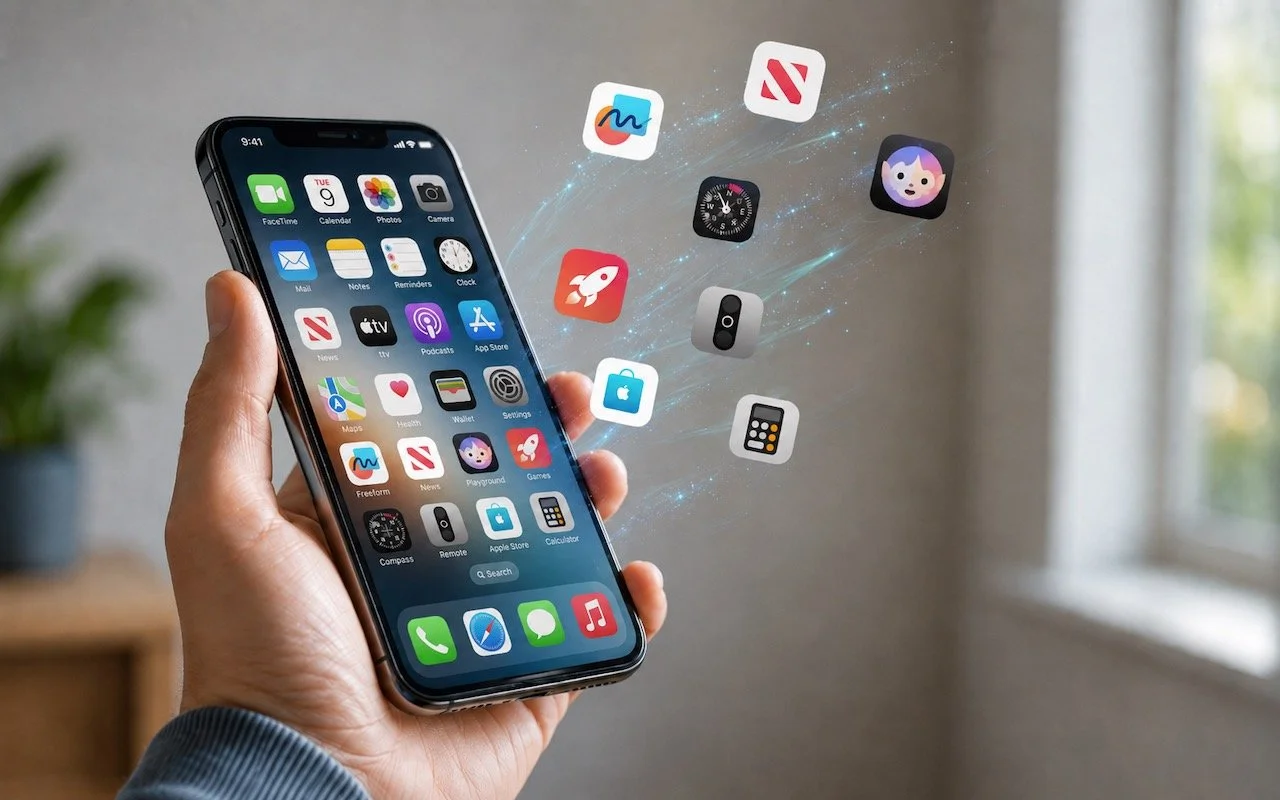
Automatic offloading of unused apps saves iPhone storage, but it’s inconvenient if you need an app that has been offloaded and there’s no connectivity to redownload it. Plan ahead!
Tired of missing meetings because you didn’t notice the notification? In Your Face shows unmissable full-screen alerts before calendar events and makes joining video calls easy. It’s available for the Mac, Windows, iPhone, iPad, and Apple Watch.
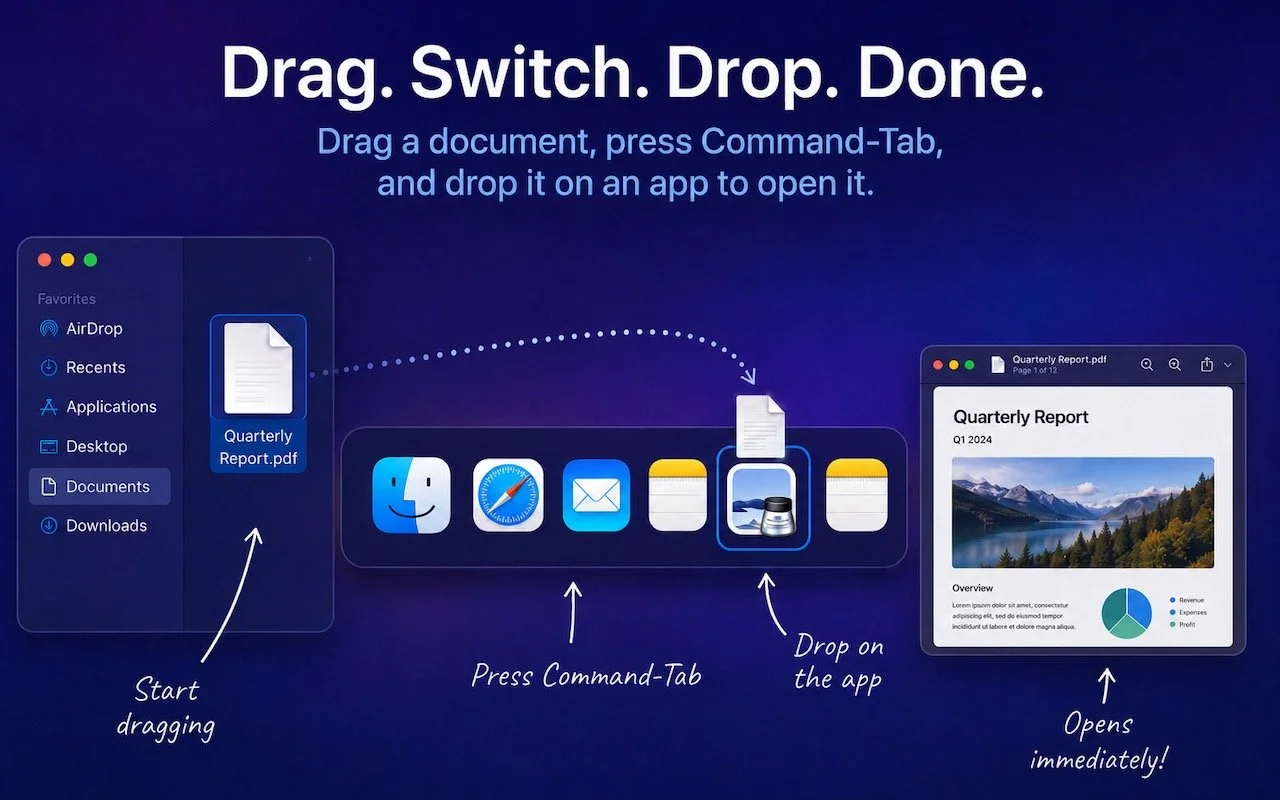
Did you know you can open a file quickly by dragging it onto an app in the macOS App Switcher? Start dragging, press Command-Tab, and drop. It’s one of the App Switcher’s many tricks.
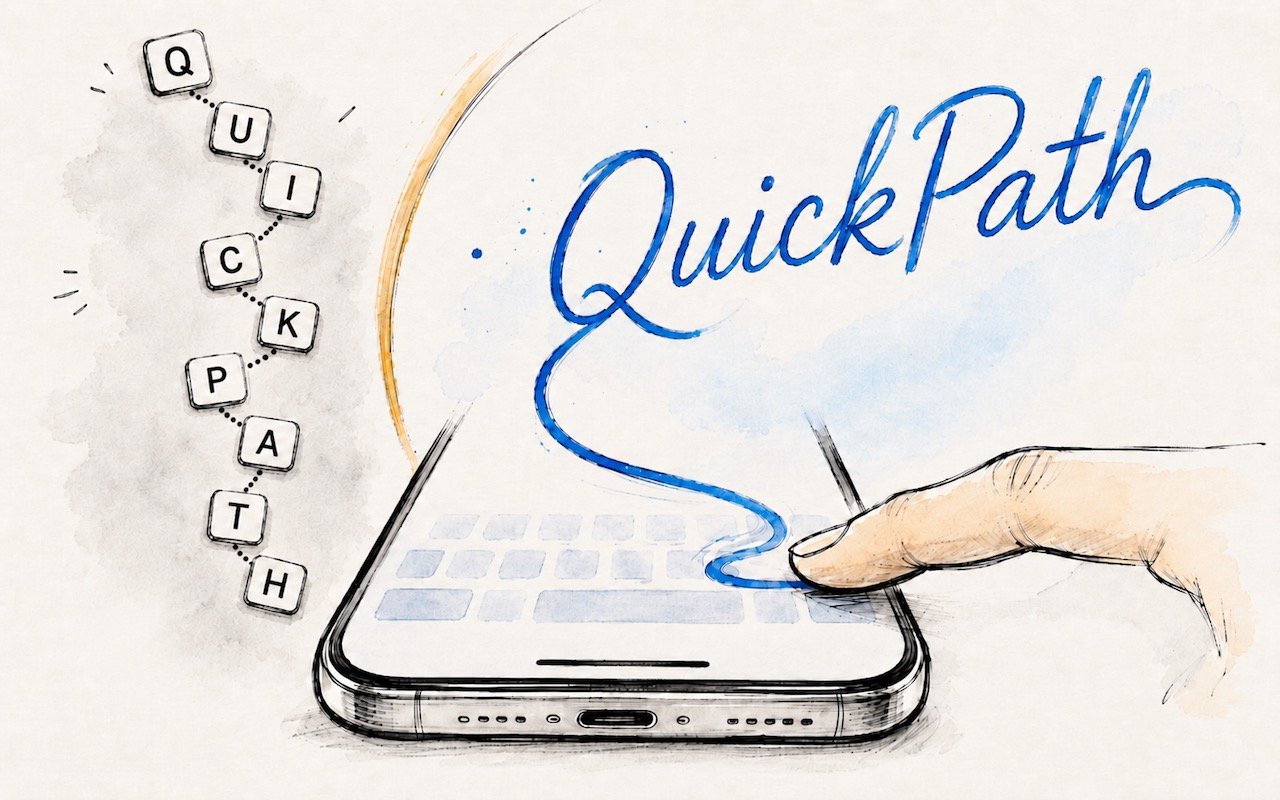
Tired of hunt-and-peck typing on your iPhone? Try QuickPath—just drag your finger across each letter in a word to swipe-type it. It’s surprisingly accurate and worth learning.
Your AirPods can now double as a camera remote in iOS 26. Here's how to set it up so a press or press-and-hold triggers the shutter to take a photo or start and stop a video.
Those who have been missing Safari’s compact tab bar are in luck—it’s back as of macOS 26.4 and iPadOS 26.4. The compact tab bar is a welcome way to save vertical space for content.
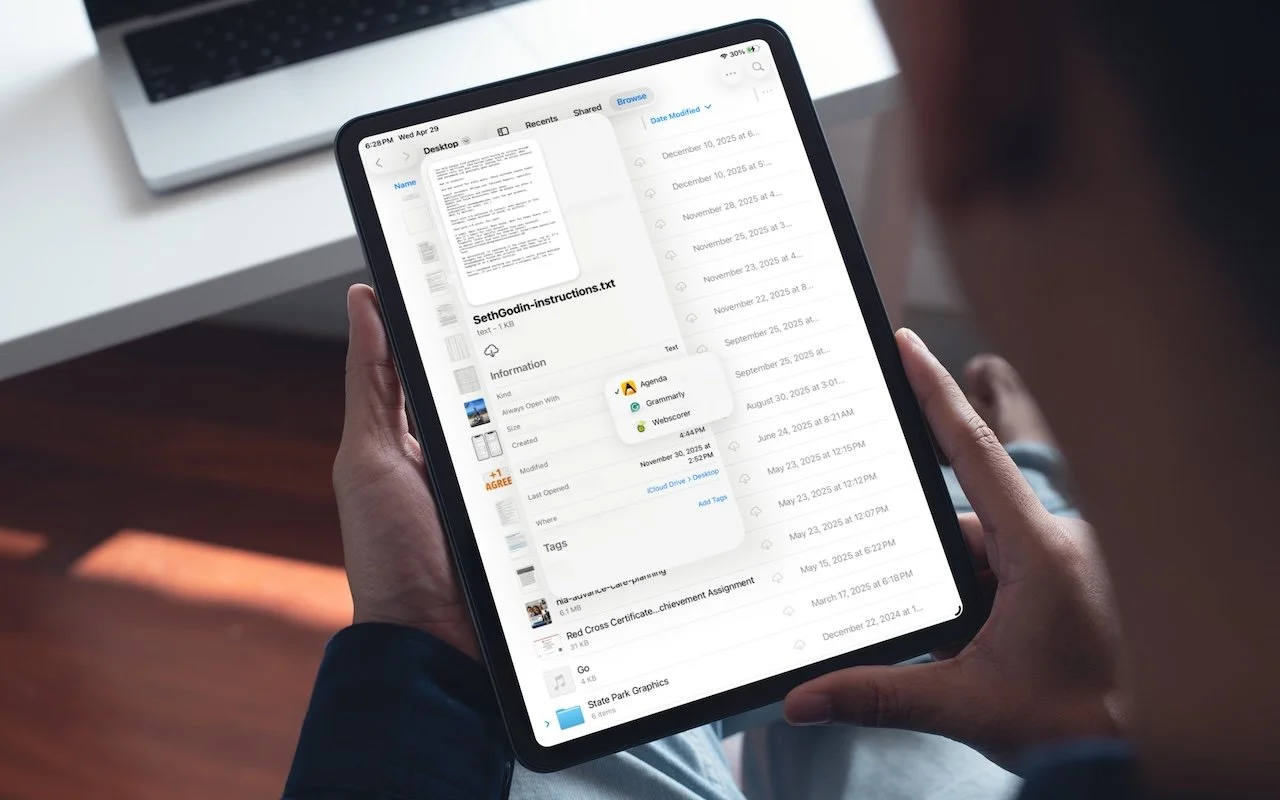
iOS 26 and iPadOS 26 finally let you choose which app opens your files—just like on the Mac. Here’s how to use Open With and set new defaults in the Files app.
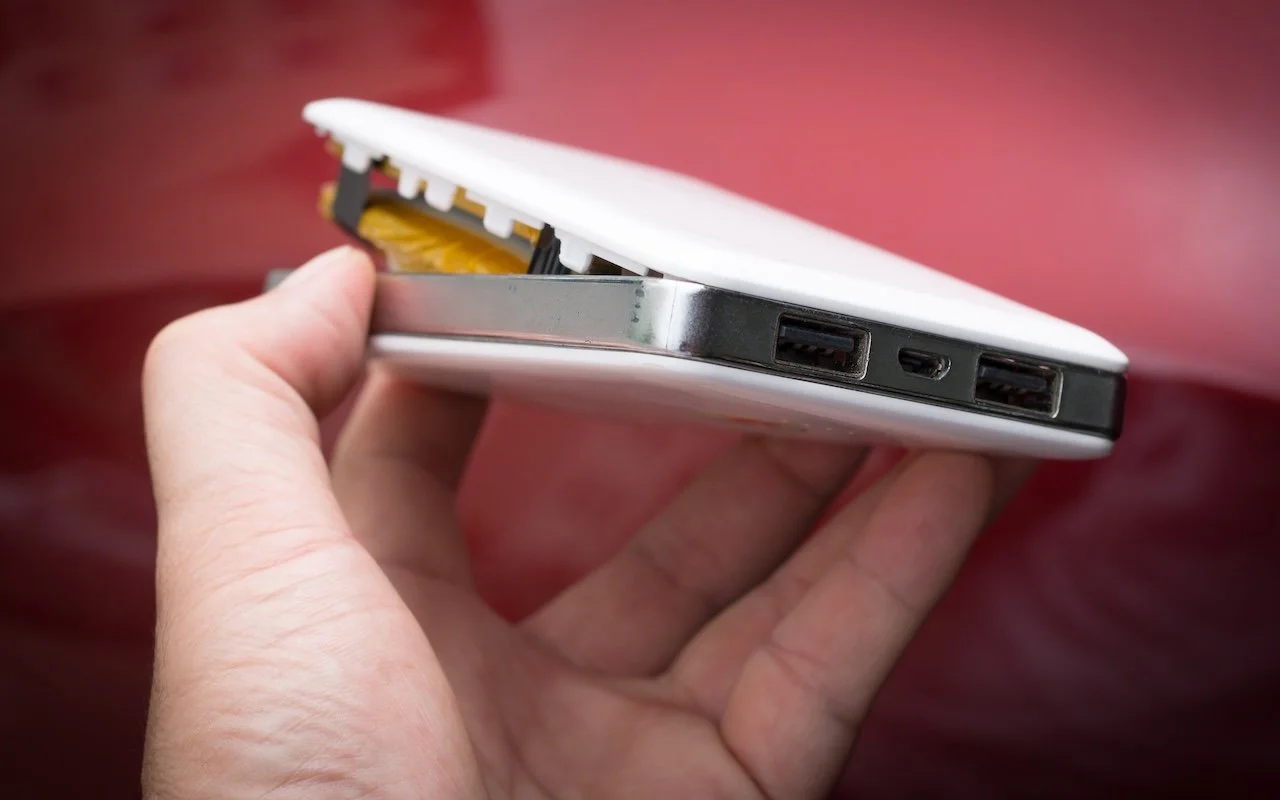
A study found that nearly 8% of cheap lithium-ion batteries have dangerous manufacturing defects that can cause catastrophic failure—even fires—while name-brand cells had none. Stick with reputable brands.
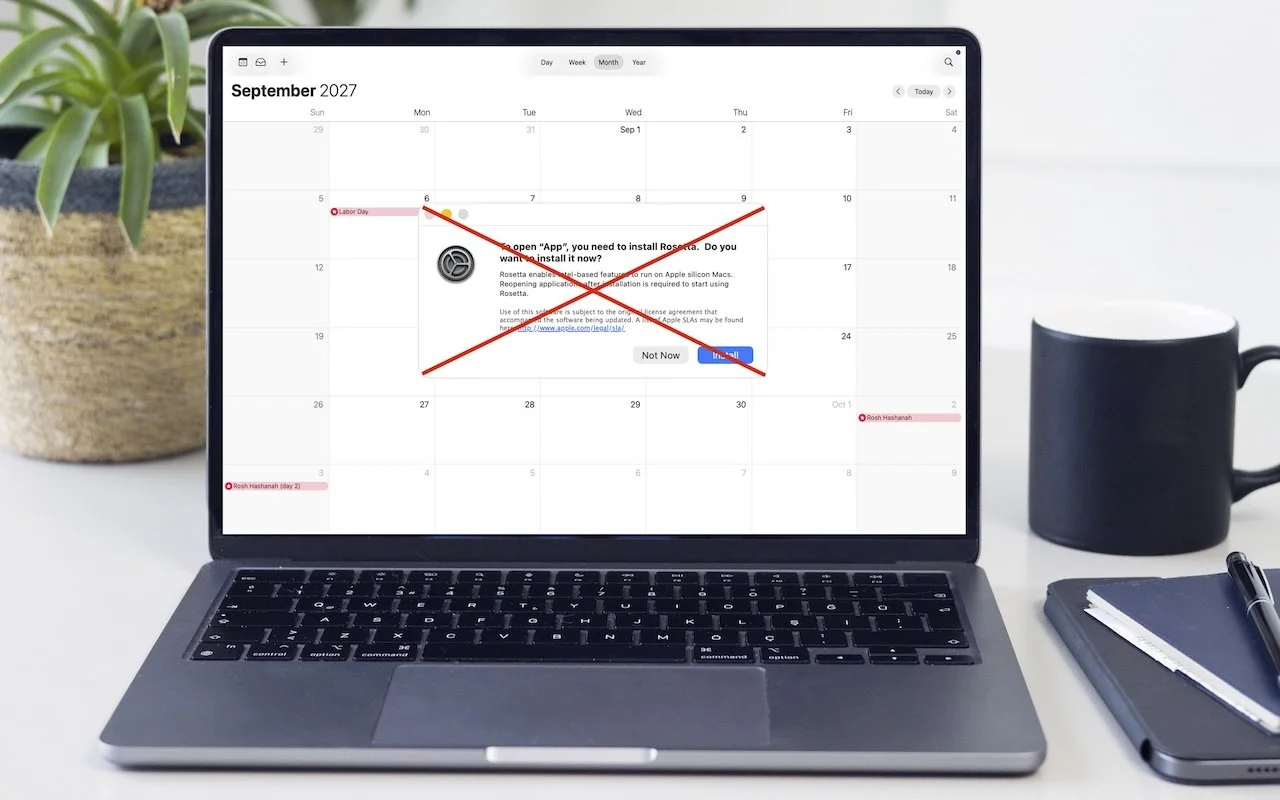
Running macOS 26.4? You may start seeing warnings about Intel-based apps not opening. They won’t stop working until macOS 28, but now’s the time to find replacements. Here’s how to identify which apps need attention.
Apple Music’s new Playlist Playground in iOS 26.4 uses AI to create custom playlists based on any mood, genre, or activity you describe. Just type what you’re in the mood for and let the app do the rest.
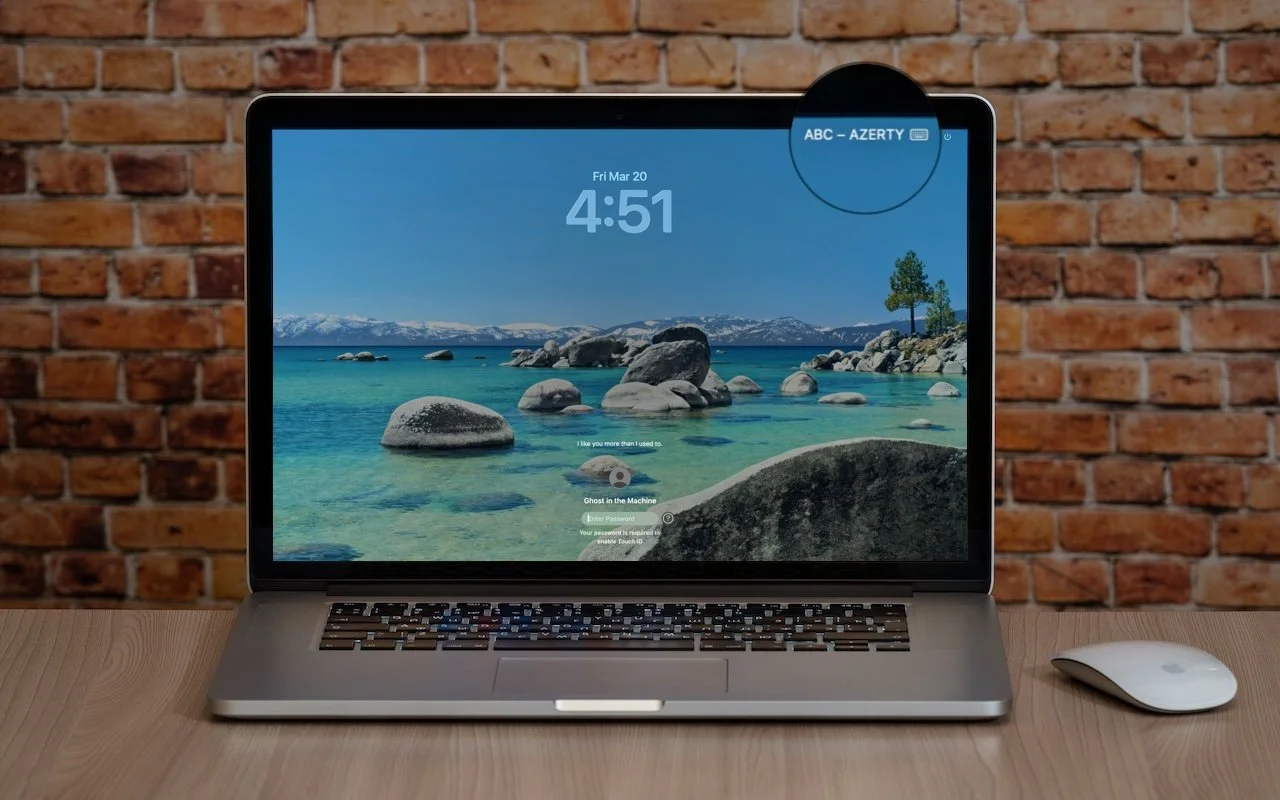
Is your Mac typing the wrong characters or rejecting your password? You may have accidentally switched keyboard layouts. Here’s how to check your input source and prevent it from happening again.
Drowning in open tabs and can’t find the one playing sound? Look for the speaker icon on the tab itself, or use Safari’s address bar icon or Chrome’s music note for quick control.
Missing texts from unknown numbers? iOS 26 filters them into hidden lists. Here’s where to find them in the Messages app—and how to mark senders as known so you don’t miss important messages. PS: The same applies to calls in the Phone app.
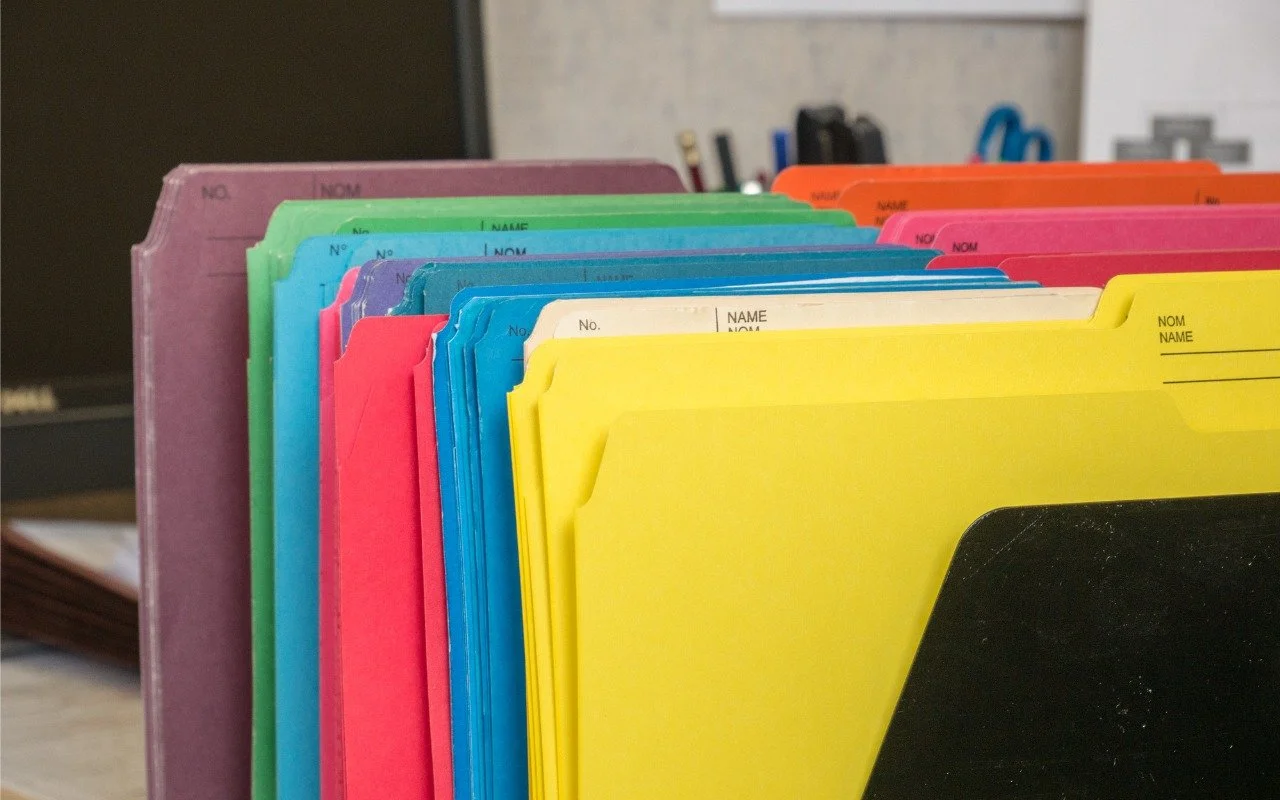
Tired of identical blue folders? macOS 26 Tahoe lets you add colors and icons—including emoji—to folders with a few clicks. Here’s how to make your Finder easier to navigate.
Tired of truncated filenames in the Finder’s Column view? macOS 26.1 Tahoe adds a simple checkbox to auto-resize columns—and you can enable the same feature in earlier macOS versions with a quick Terminal command or free utility.
Struggling to read the clock on your iPhone Lock Screen? iOS 26.2 lets you manually adjust the transparency—or switch to a solid background for better readability.
Dark room, important video call? macOS 26.2’s Edge Light transforms your Mac’s display into an on-screen ring light, illuminating your face so you’re visible on camera.
Apple’s new DJ‑style AutoMix transitions between songs in the Music app aren’t to everyone’s taste (and sometimes flub the jump). Here’s how to switch back to a timed Crossfade or disable transitions in Music on your iPhone, iPad, and Mac.
Speed up your Mac’s startup, reduce conflicts, and improve security by cleaning out old login items. It takes just a minute in System Settings.
Phishing has a new face—literally. Scammers can now use AI tools to fake voices and videos that look real. Before you act on an “urgent” request, look for audio or visual clues and verify through another channel.
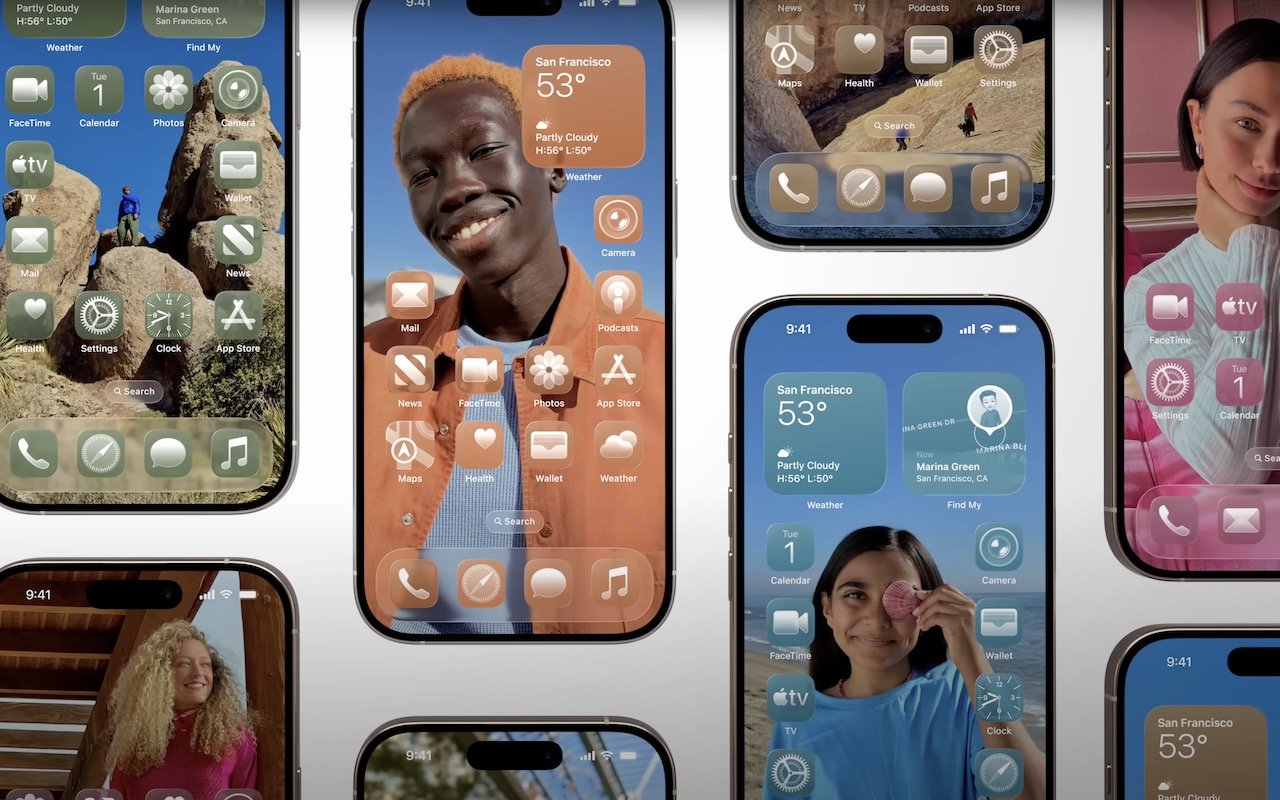
Apple’s new Liquid Glass design lets you make iPhone and iPad icons and widgets dark, clear, or tinted. Discover how to access these customization options and see if they enhance your Home Screen.
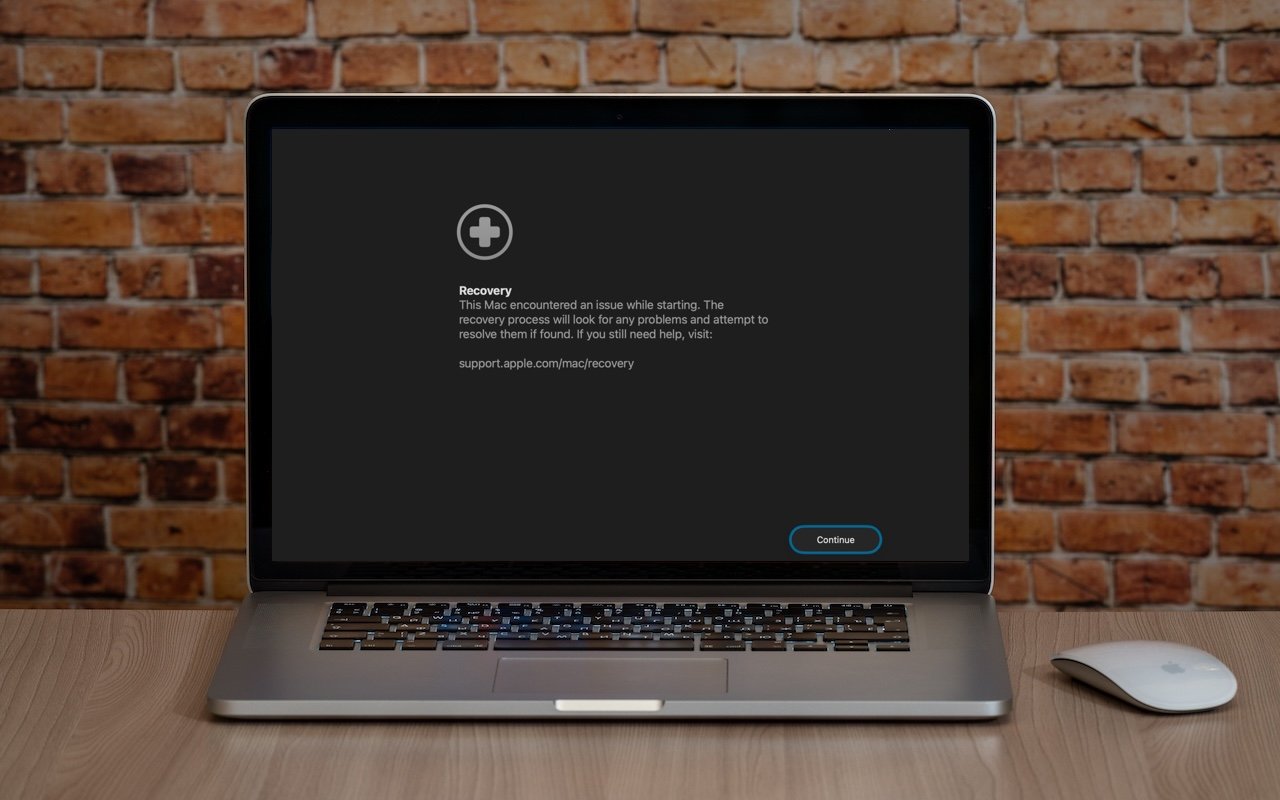
macOS 26 Tahoe brings a new Recovery Assistant, which automatically detects and attempts to resolve Mac problems. Just remember: automated recovery can be helpful, but backups are still essential.
Apple’s Passwords app can now show your password history in macOS 26 Tahoe, iOS 26, and iPadOS 26, helping you track down why that “correct” password isn’t working.
New App Store Accessibility Nutrition Labels show which apps support Apple’s accessibility features—a win for anyone who needs these capabilities now or in the future.
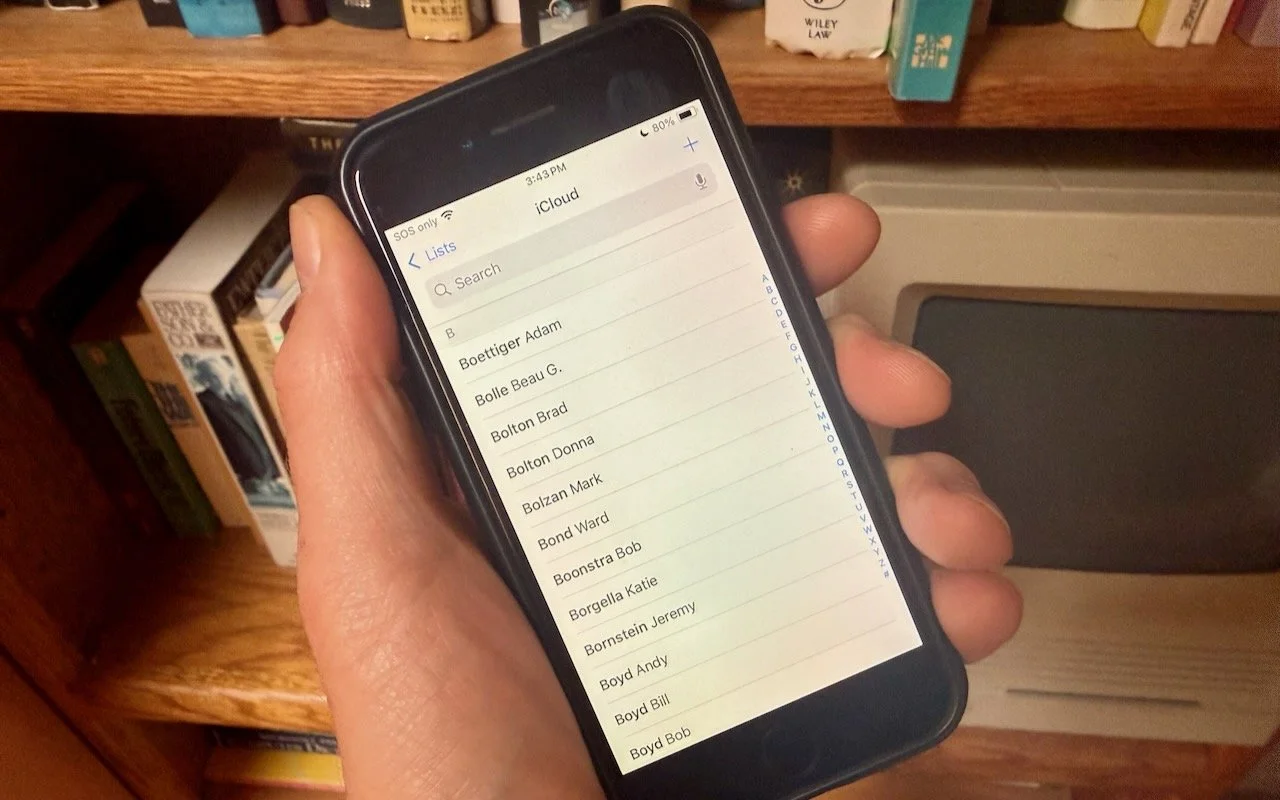
Want to display your contacts with the last name shown first? Here’s how to configure your iPhone, iPad, and Mac to display “Anderson, Andy” instead of “Andy Anderson.”
Apple’s new Creator Studio bundle includes Final Cut Pro, Logic Pro, Pixelmator Pro, and more—plus premium content and AI features in the iWork apps—for $12.99/month or $129/year. Don’t worry—Keynote, Pages, and Numbers stay free for existing features.