
How to Display Contacts with Last Names First
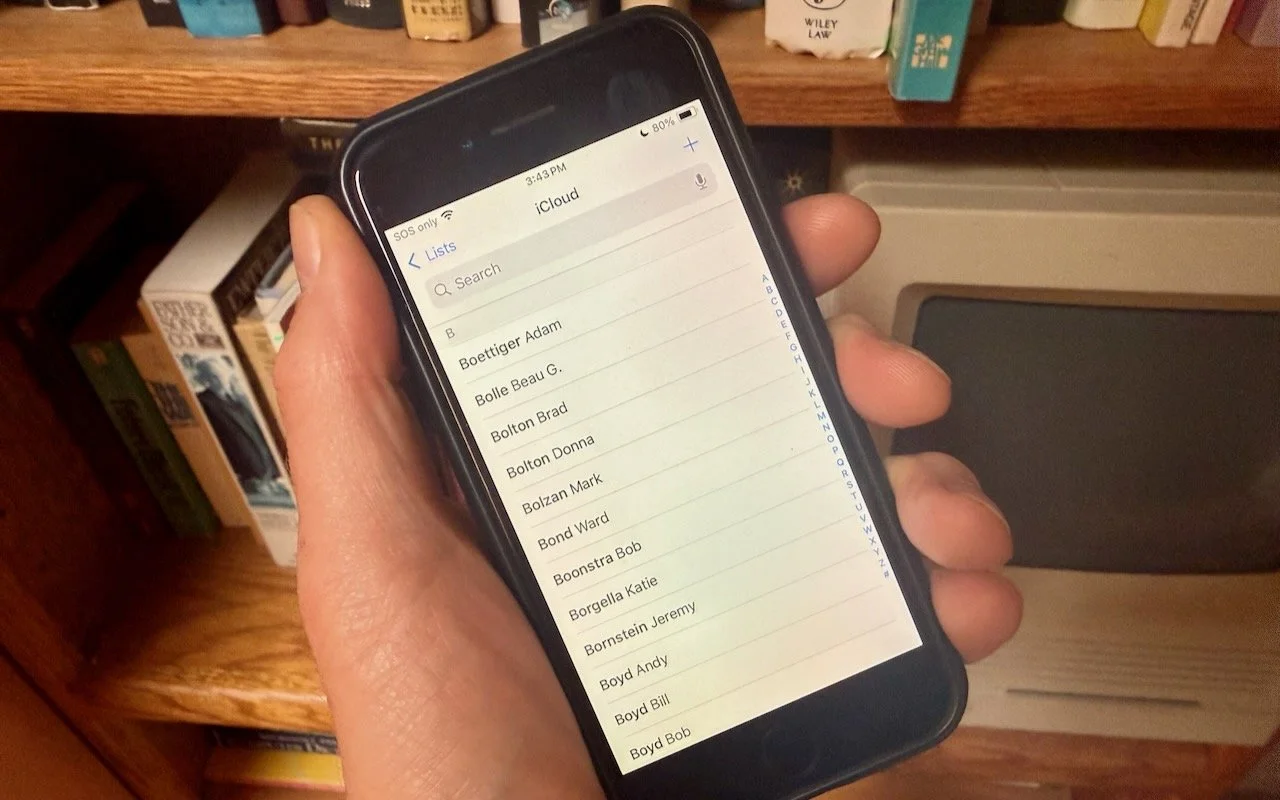
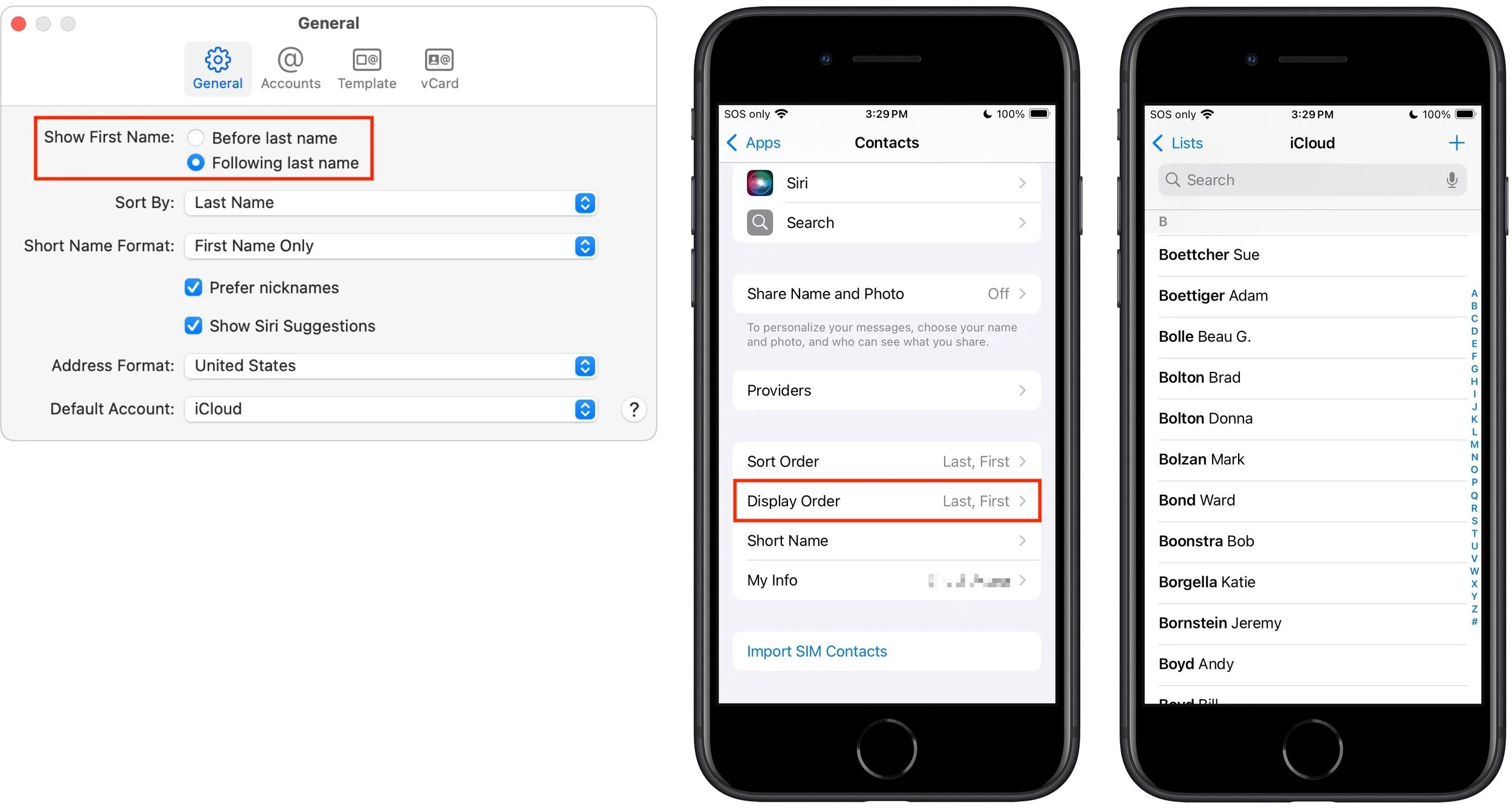
Most people prefer Apple’s default of sorting contacts by last name, so “Andy Anderson” appears near the start of the list and “Liliana Velasco” toward the end. But some would also prefer to display contacts with their last name first, such as “Anderson, Andy,” and “Velasco, Liliana.” That’s not the default, but if it’s what you want, here’s how to accomplish it. On the iPhone and iPad, go to Settings > Apps > Contacts > Display Order and select Last, First. On the Mac, open Contacts > Settings > General and from the Show First Name controls, select Following Last Name.
(Featured image by Adam Engst)